
One app to replace your PDF editor, image viewer, and annotation tools.
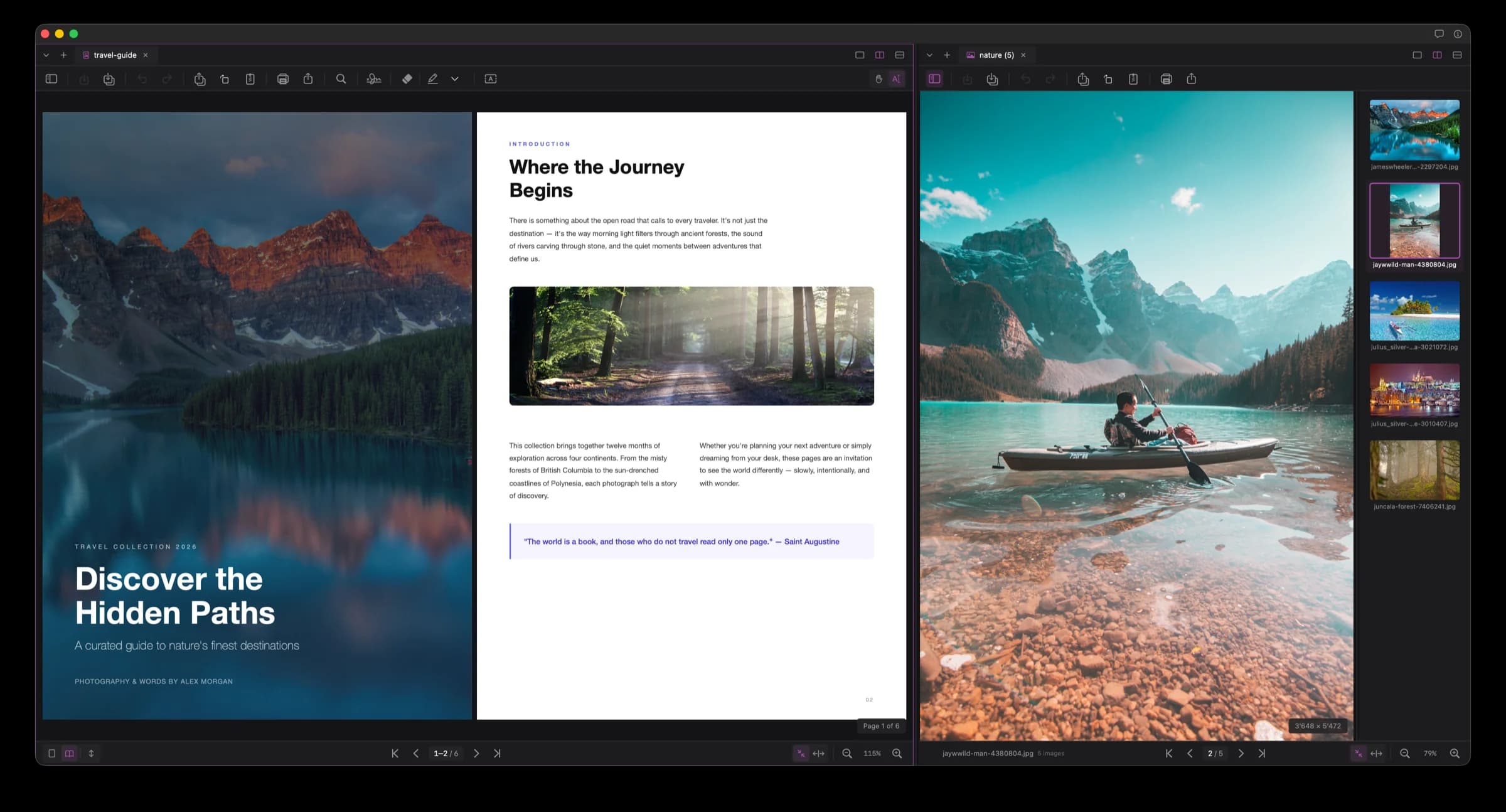
Everything you need
A complete toolkit for PDFs and images — fast, lightweight, and designed for macOS.
View & Navigate
Single page, continuous scroll, and two-page layouts with smooth zoom. Dark, light, and system appearance.
Annotate
Highlights, underlines, strikethrough, and free text with full formatting control.
Sign & Stamp
Create, store, and place signatures and custom stamps on any page.
Compress
Reduce file sizes with adjustable quality. Optional rasterization for maximum compression.
Export & Print
Export selected pages as a new PDF. Print with the native macOS print dialog.
Rotate Pages
Rotate individual or multiple selected pages with keyboard shortcuts.
Images
View & Browse
Open single images or browse entire folders and selections as a collection.
Convert Formats
Convert between PNG, JPEG, TIFF, HEIC, WebP, and AVIF with a single click.
Compress
Reduce file sizes with adjustable quality and resolution. Choose your output format.
Rotate
Rotate images in any direction with keyboard shortcuts.
Print single images or entire collections via the native macOS print dialog.
Batch Open
Drag a folder or select multiple images to open them as a browsable collection.
General
Split View
Side-by-side document comparison with independent scrolling and zoom.
Tabbed Workspace
Open multiple documents in browser-style tabs. Drag to reorder.
Keyboard Shortcuts
Full keyboard shortcuts for every action. Navigate without touching the mouse.
Private & Clean
No tracking, no cloud, no account required. Your files stay on your Mac.
See it in action
A clean, focused interface designed for the way you work.
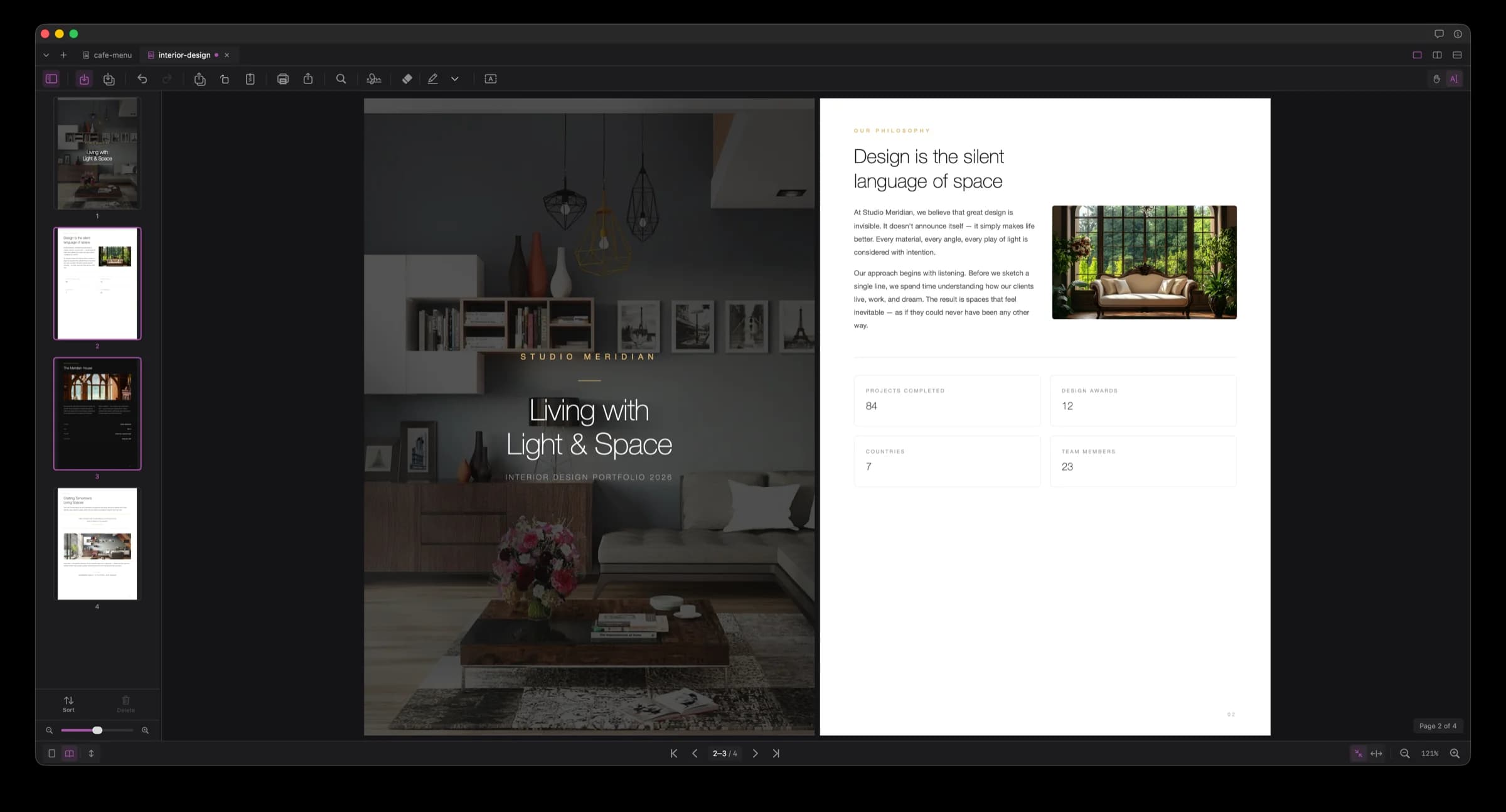
PDF Viewer
Ready to try Artefact?
Free to download. No account required. Requires macOS 15 Sequoia or later.
Version 1.0.1 · May 15, 2026